


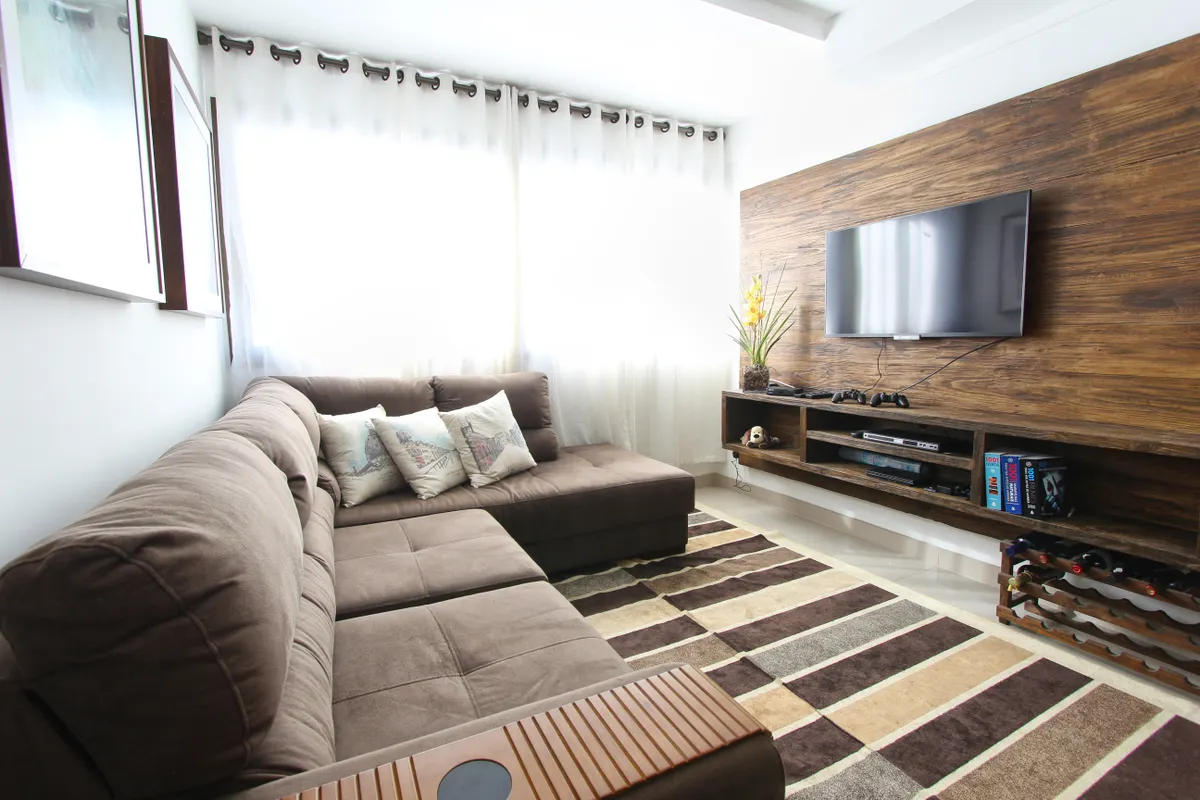
A Linux TV set-top box built around a miniPC, Nobara Linux, and a Waydroid Android TV layer is making a compelling case that the living room, not the desktop, is where Linux finally earns its place in the home. The build, documented by Haggis on Toast in a recent YouTube video, sidesteps the corporate cruft steadily smothering commercial smart TVs and Android set-top boxes, and replaces it with something you actually control.
Why the Living Room Before the Desktop?
The “Year of the Linux Desktop” has been arriving imminently for long enough that most of us have stopped holding our breath. But a television is not a desktop. The use case is narrower, the input devices are simpler, and the tolerance for tinkering is, oddly, higher once you realise the alternative is another firmware update that buries your favourite app behind three new advertising panels.
Commercial smart TVs and set-top boxes do run Android, which sits atop a Linux kernel, but that lineage has become increasingly academic as manufacturers layer on their own restrictions, tracking, and unwanted services. Haggis on Toast’s build strips that back to first principles. A miniPC sits inside a custom 3D-printed case, running Nobara Linux, with a Waydroid Android TV layer providing the familiar set-top box experience on top.
What the Waydroid-ATV Layer Actually Brings
The Waydroid component here is doing serious lifting. According to the WayDroid-ATV GitHub repository, these builds are based on LineageOS 20.0 with full Android TV 13, which means you are not running some cut-down compatibility shim but a proper, feature-complete Android TV environment inside your Linux host. The repository also confirms the builds include a built-in libhoudini ARM translation layer, which handles the ARM-to-x86 instruction translation that lets Android apps compiled for ARM run on a typical x86 miniPC without needing separate configuration.
That detail matters more than it might first appear. A great many Android TV apps, including streaming clients and media players, are distributed as ARM binaries. Without a translation layer you would be stuck with whatever happens to ship an x86 build. With libhoudini baked in, the app library opens up considerably, and the whole point of this build, which is to replicate the experience of a commercial Android TV box rather than merely approximate it, becomes genuinely achievable.
Control on Haggis on Toast’s build comes via gamepads or a cheap USB remote, with DeckyLoader providing the frontend interface. Light and casual gaming through Steam is also part of the setup, rounding the machine out from a pure media streamer into something with a bit more flexibility on a quiet evening.
Steam, Waydroid, and the Bigger Picture
The combination of Steam and Waydroid on Linux hardware is not entirely new territory. As covered by XDA Developers, Steam Deck owners running Waydroid can choose between Android 11 or 13, with or without Google Play, or Android TV 11 or 13 without Google Play. The flexibility of the Waydroid ecosystem, and the fact that it is already being explored on Valve’s handheld, suggests the living-room miniPC build Haggis on Toast has put together is tapping into a maturing set of tools rather than an experimental curiosity.
Getting everything installed will require a degree of comfort with Linux. That said, Haggis on Toast notes that easy installers exist for the components involved, so anyone who has navigated software installation on any operating system with reasonable confidence should find it manageable. The steepest part of the build is optional: reflashing the Blu-Ray player to unlock 4K disc playback and ripping. If physical media holds no appeal, that step can be skipped entirely without affecting the rest of the setup.
There is a pleasing irony in the final footnote here: old Android TV boxes, the very devices this build is designed to replace, can themselves be repurposed as headless Linux machines. The tip for this build came via Keith Olson, and the full video walkthrough is on the Haggis on Toast YouTube channel for anyone ready to reclaim their living room from the algorithm.
