


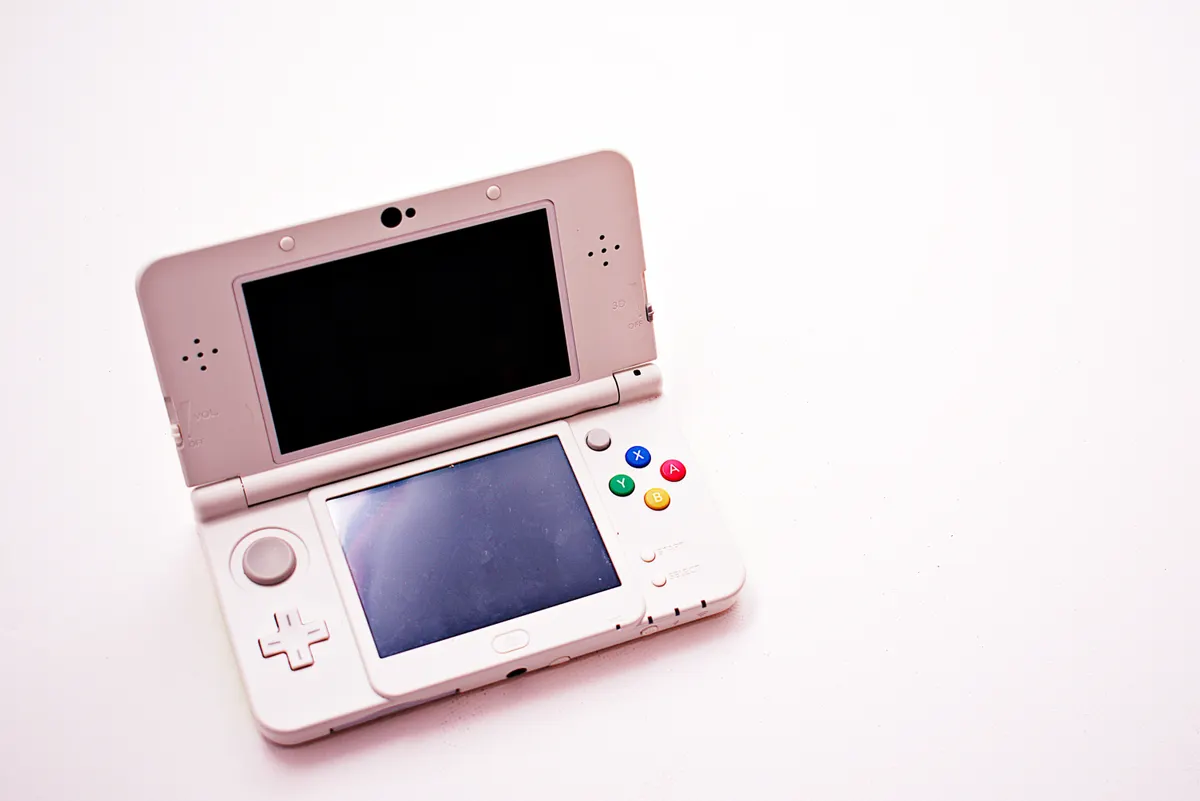
The Socket frontend for Android has received its 0.8.0 update, and the headline addition is dual-screen handheld support, a Socket frontend update that brings the bottom display to life on handhelds including the Ayn Thor, the Retroid Pocket Duo and the not-yet-released ANBERNIC RG DDS. Retro Dodo reports that the release is currently available to paid Patreons for testing, with a wider free release expected once the build has been debugged.
For anyone unfamiliar with it, Socket is a minimal Android frontend that organises ROM libraries around cartridge and disc art, with animations that play when you launch a game. It supports customisations including stickers, holographic disc art and transparent cartridge shells, the kind of thing that suits a hand-selected collection rather than a library of hundreds of ROMs.
What Dual-Screen Mode Actually Does
On compatible dual-screen handhelds, the bottom display shows your installed apps alongside options to pin titles, add them to the Android platform, view app info or uninstall. While a game is running, the second screen holds a dimmed snapshot with a timer. A ‘Single Screen Mode’ toggle has been added under Settings > Tweaks for anyone who wants to keep things simple on a single-display device.
The update also introduces a new on-screen keyboard operable via d-pad, analogue stick or touch. The key mappings are: B handles deletion, Y inserts a space, X switches shift (a double-press locks caps), the cursor moves via L and R or the triggers, and Start confirms. A ‘Use System Keyboard’ toggle under Settings > Tweaks lets you fall back to Android’s own keyboard if you prefer it.
The Rest of the 0.8.0 Feature List
Playtime tracking now appears beneath each game title and inside the Inspect view, with a ‘Precise Playtime (Usage Access)’ toggle for exact figures. Sorting options have been expanded to cover Title, Most Played, Recently Played and Recently Added, configurable per platform inside Edit Platform. A random game button has been added, along with a ‘Jump by Letter’ toggle and a ‘Haptic Feedback’ toggle, both under Settings > Tweaks.
There are also a couple of quality-of-life corrections. Socket now prompts you to press A after selecting a controller layout, ensuring A and B are mapped correctly on handhelds that swap the buttons at the firmware level. A warning now appears under the Max FPS setting when the device’s power-saving mode is throttling the CPU.
The 0.8.0 build is currently available to Depmot’s paid Patreons. According to Retro Dodo, older versions are typically made freely available once they have been fully debugged, though that process is likely to take a couple of months from now.
